Key System Error Nissan Altima: Causes, Fixes, and Easy Troubleshooting Guide
If you own a Nissan Altima and suddenly see the “Key System Error” warning on your dashboard, it can feel frustrating and confusing. Many drivers panic because the car may not start, the push button ignition may fail, or the intelligent key may stop responding completely.
The good news is that this issue is usually fixable. In many cases, the problem comes from a weak key fob battery, signal interference, or a malfunction in the intelligent key system.
In this complete guide, you’ll learn everything about the key system error Nissan Altima problem, including common causes, warning signs, troubleshooting methods, repair costs, and ways to prevent the issue from happening again.
What Does Key System Error Mean on a Nissan Altima?
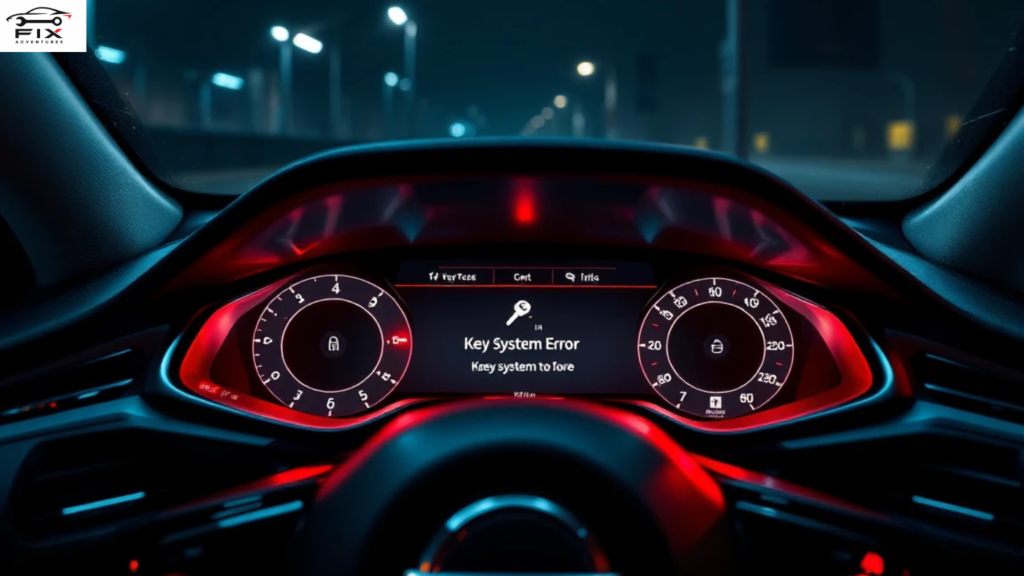
The “Key System Error” message appears when your Nissan Altima cannot properly detect or communicate with the intelligent key fob.
Modern Nissan vehicles use a smart key system that allows:
- Push-button starting
- Keyless entry
- Remote trunk access
- Security and anti-theft functions
When communication between the vehicle and the key fob fails, the car displays the warning message.
Sometimes the vehicle may still start after several attempts. Other times, the engine may refuse to crank at all.
Common Symptoms of Key System Error Nissan Altima
Before fixing the issue, it helps to recognize the symptoms.
Dashboard Warning Message
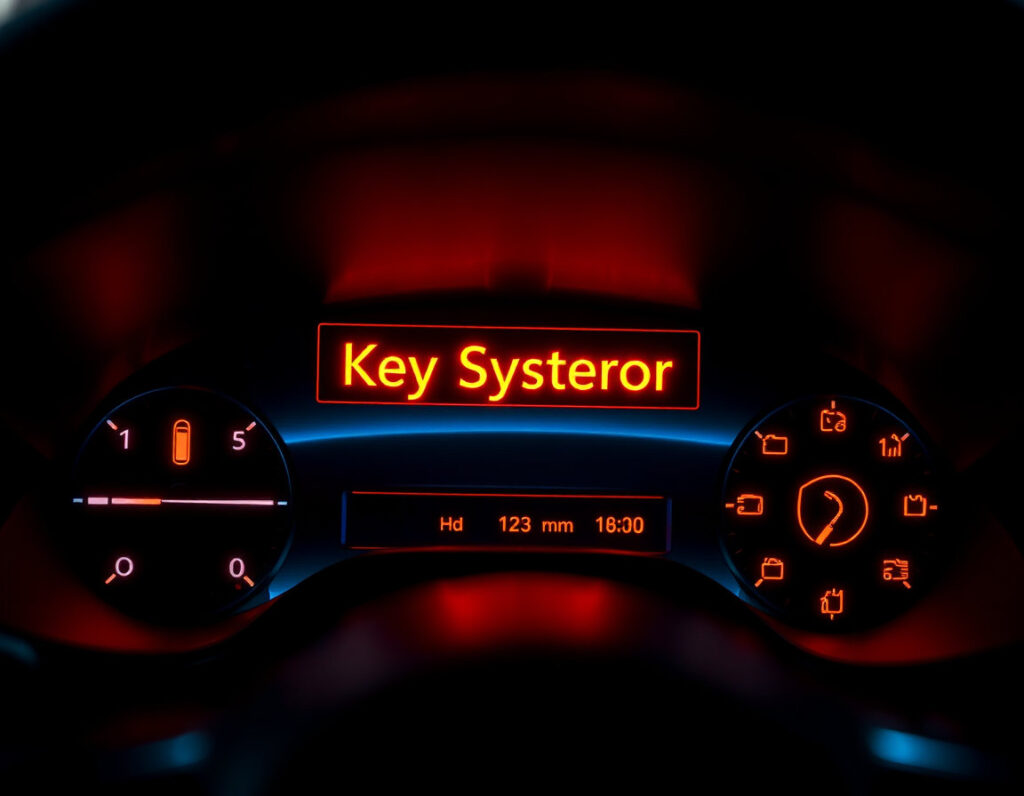
The most obvious sign is the “Key System Error” notification appearing on the instrument cluster.
Push Button Start Not Working
You may press the ignition button multiple times without the engine starting.
Key Fob Not Detected
The car may say:
- “No Key Detected”
- “Incorrect Key ID”
- “Key ID Error”
Doors Not Unlocking
Your intelligent key may stop locking or unlocking the doors remotely.
Intermittent Starting Problems
Sometimes the vehicle works normally, then suddenly fails later.
Main Causes of Key System Error Nissan Altima
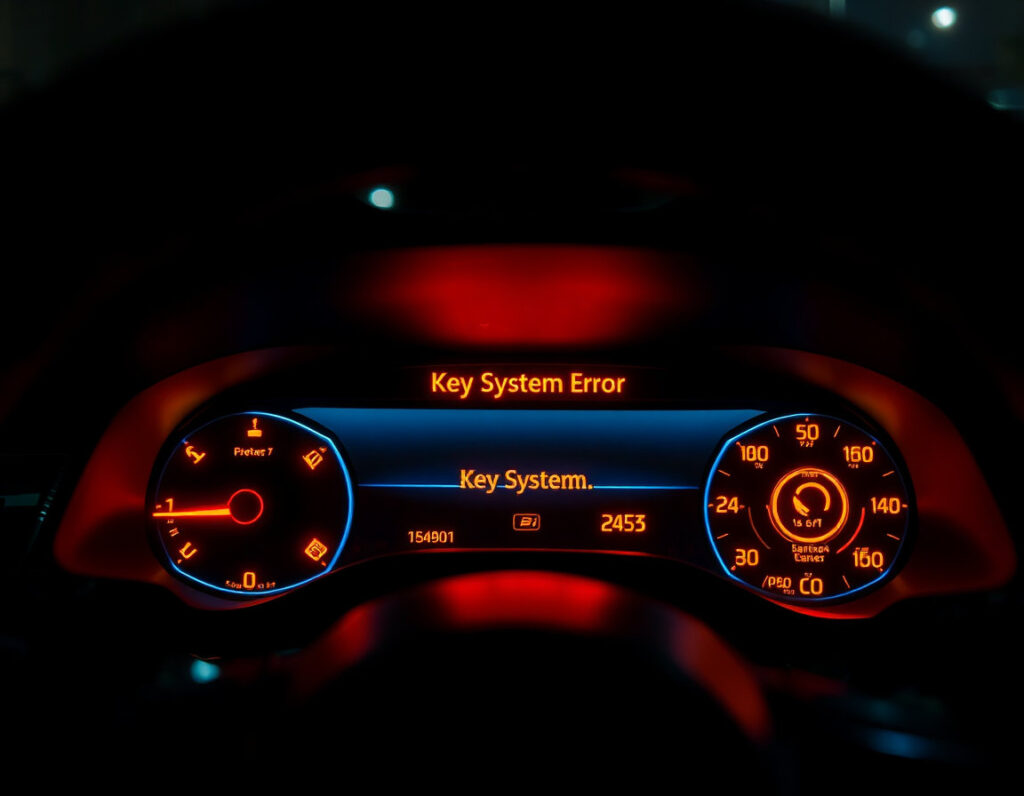
Several different issues can trigger this warning.
Weak or Dead Key Fob Battery
This is the most common cause.
When the battery inside the intelligent key becomes weak, the signal transmitted to the car weakens too. Eventually, the vehicle cannot recognize the key.
Signs of a Weak Key Battery
- Reduced remote range
- Delayed unlocking
- Push-button start inconsistencies
- Warning appearing randomly
Replacing the battery often fixes the issue immediately.
Damaged Intelligent Key Fob
If the key fob has been:
- Dropped
- Exposed to water
- Physically damaged
The internal chip may stop functioning correctly.
Even if the buttons still work, the immobilizer chip inside may fail to communicate with the vehicle.
Vehicle Battery Problems
A weak car battery can also trigger key system errors.
Modern vehicles rely heavily on electronics. If the battery voltage drops too low, modules inside the vehicle may malfunction.
Common Signs of a Weak Car Battery
- Slow engine crank
- Flickering lights
- Electronic glitches
- Random warning messages
Signal Interference
Electronic interference can block communication between the vehicle and the intelligent key.
Possible interference sources include:
- Wi-Fi routers
- Mobile phones
- Security systems
- Other smart keys nearby
Sometimes simply moving the key fob away from electronics solves the issue.
Faulty Intelligent Key Antenna
Your Nissan Altima contains antennas that detect the smart key inside the cabin.
If these antennas fail, the car cannot recognize the key even if the key works properly.
Faulty Brake Switch
In some Nissan Altima models, a defective brake pedal switch may prevent push-button starting.
The vehicle requires the brake pedal to be pressed before starting. If the switch fails, the car may think the brake is not engaged.
Software or ECU Problems
Sometimes the body control module or ECU software develops glitches.
This can happen after:
- Battery replacement
- Electrical surges
- Failed updates
- Wiring problems
A software reset or reprogramming may be required.
How to Fix Key System Error Nissan Altima
Now let’s go through the most effective fixes.
Replace the Key Fob Battery
Start with the easiest and cheapest solution.
Most Nissan intelligent keys use a small coin battery like:
- CR2025
- CR2032
Steps to Replace the Battery
- Remove the emergency key
- Open the key fob carefully
- Remove the old battery
- Install the new battery correctly
- Reassemble the key
After replacing the battery, test the vehicle again.
Use the Emergency Start Method
If the key battery is dead, you can still start many Nissan Altima models.
Emergency Start Procedure
- Press the brake pedal
- Hold the key fob directly against the push start button
- Press the ignition button
The vehicle may detect the RFID chip inside the key even with a dead battery.
Check the Car Battery
Use a voltmeter to inspect the battery voltage.
A healthy battery should read approximately:
V≈12.6 volts
If the reading is much lower, recharge or replace the battery.
Try Your Spare Key
If you have a backup intelligent key, test it.
- If the spare works normally, your original key fob is likely defective.
- If both keys fail, the issue may be inside the vehicle itself.
Inspect for Signal Interference
Move away from:
- Large electronics
- Cell phones
- Wireless devices
Then try starting the vehicle again.
Sometimes parking garages and crowded areas create signal conflicts.
Reset the Vehicle System
A temporary electronic glitch may clear after resetting the system.
Basic Reset Method
- Disconnect the negative battery terminal
- Wait 10–15 minutes
- Reconnect the battery
- Restart the car
This can reboot electronic modules.
Scan for Error Codes
Using an OBD2 scanner can reveal hidden fault codes.
Common systems involved include:
- BCM (Body Control Module)
- Immobilizer
- Push-button ignition module
A professional diagnostic scan may identify the exact failure.
Nissan Altima Models Commonly Affected
The issue has been reported on several Nissan Altima generations.
2013–2018 Nissan Altima
These models commonly experience:
- Key detection failures
- Push-button start issues
- BCM glitches
2019–2024 Nissan Altima
Newer models may still experience occasional software-related intelligent key errors.
How Much Does It Cost to Fix Key System Error?
Repair costs vary depending on the cause.
| Problem | Estimated Cost |
|---|---|
| Key fob battery replacement | $5–$15 |
| New intelligent key | $150–$400 |
| Car battery replacement | $120–$300 |
| Antenna repair | $200–$500 |
| BCM replacement | $500–$1,200 |
| Diagnostic scan | $50–$150 |
Simple fixes are inexpensive, but electronic module failures can become costly.
Can You Drive With a Key System Error?
Sometimes yes, sometimes no.
If the vehicle starts successfully, you may still be able to drive temporarily.
However, ignoring the warning is risky because:
- The car may fail to restart later
- The issue may worsen suddenly
- You could become stranded unexpectedly
It’s best to diagnose the problem quickly.
How to Prevent Nissan Altima Key System Errors
Prevention can save both time and money.
Replace Key Batteries Regularly
Most intelligent key batteries last:
- 2–4 years
Replace them before they fully die.
Avoid Water Damage
Keep your key fob away from:
- Rain
- Pools
- Washing machines
Moisture can damage internal electronics.
Protect the Key From Drops
Repeated impacts may damage the chip inside the fob.
Consider using:
- Silicone covers
- Protective key cases
Maintain the Vehicle Battery
Weak vehicle batteries often create strange electronic issues.
Test the battery annually, especially in extreme weather.
Keep Electronics Away From the Key
Avoid storing your key near:
- Smartphones
- Wireless chargers
- Magnets
This helps reduce signal interference.
When to See a Professional Mechanic
You should seek professional help if:
- The warning persists after battery replacement
- Both keys stop working
- The car will not start
- The issue happens repeatedly
- You notice additional electrical problems
A certified Nissan technician can diagnose deeper issues involving:
- BCM modules
- Immobilizer systems
- Antenna circuits
- ECU programming
Frequently Asked Questions
Why does my Nissan Altima say key system error?
Usually because the vehicle cannot detect or communicate with the intelligent key. Common causes include weak batteries, faulty keys, or electronic issues.
Can a dead battery cause key system error?
Yes. Both the key fob battery and vehicle battery can trigger the warning.
How do I reset my Nissan Altima key system?
You can try:
- Replacing the key battery
- Disconnecting the car battery temporarily
- Using the emergency start procedure
If the issue remains, professional diagnostics may be necessary.
How much does a Nissan Altima key replacement cost?
A replacement intelligent key typically costs between $150 and $400 including programming.
Will key system error drain my battery?
The warning itself usually does not drain the battery, but the underlying electronic issue could contribute to battery problems.
Final Thoughts
The key system error Nissan Altima problem is common but usually manageable. In many situations, the solution is as simple as replacing the intelligent key battery or checking the vehicle battery voltage.
However, if the warning continues after basic troubleshooting, the issue may involve deeper electronic components like the BCM, antenna system, or immobilizer.

If you’ve ever found yourself staring at your car, wondering what went wrong or how to fix it without spending a fortune, you’re in the right place. FixAdventures was built for people who want practical, honest, and easy-to-understand car repair advice — without the fluff or confusing jargon.