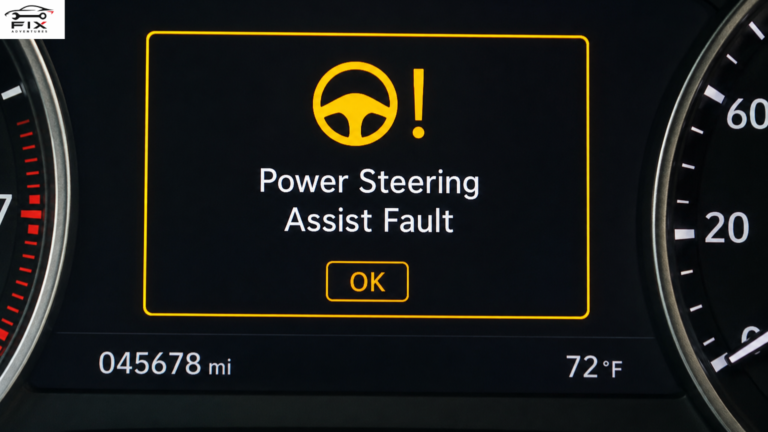
Drive Carefully Systems Initializing: What It Means and How to Fix It
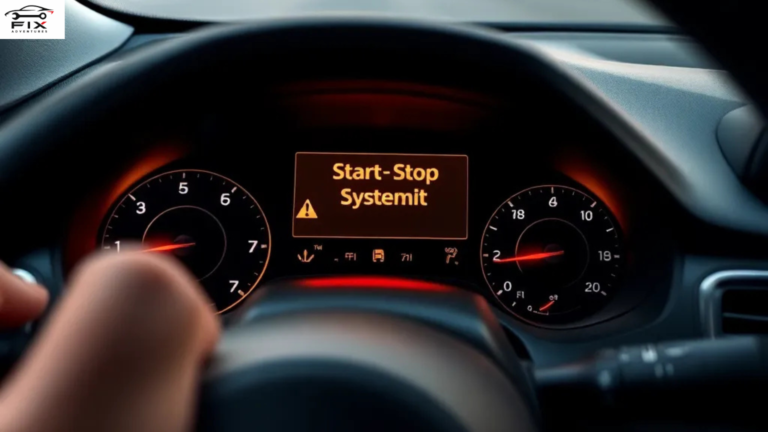
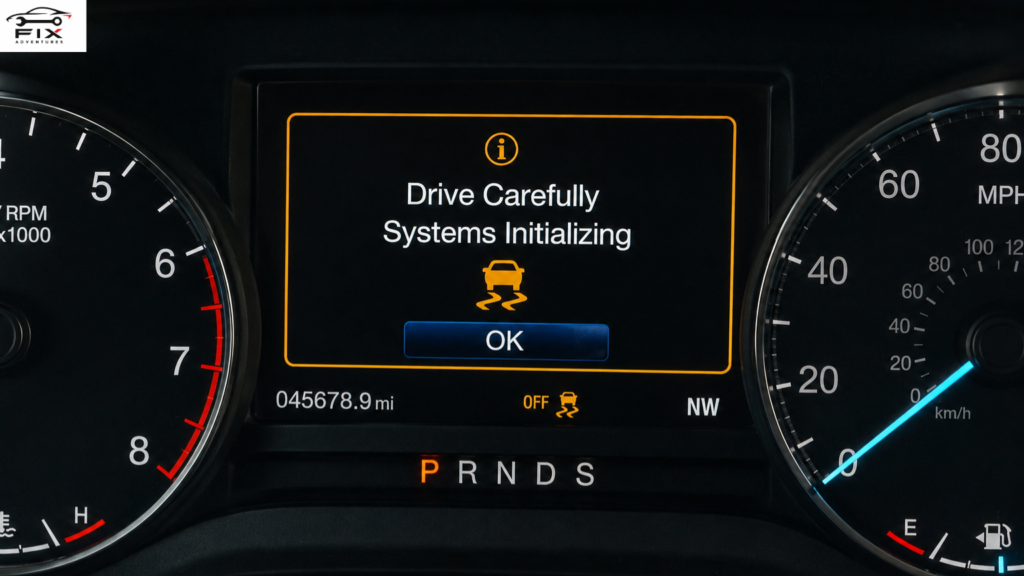
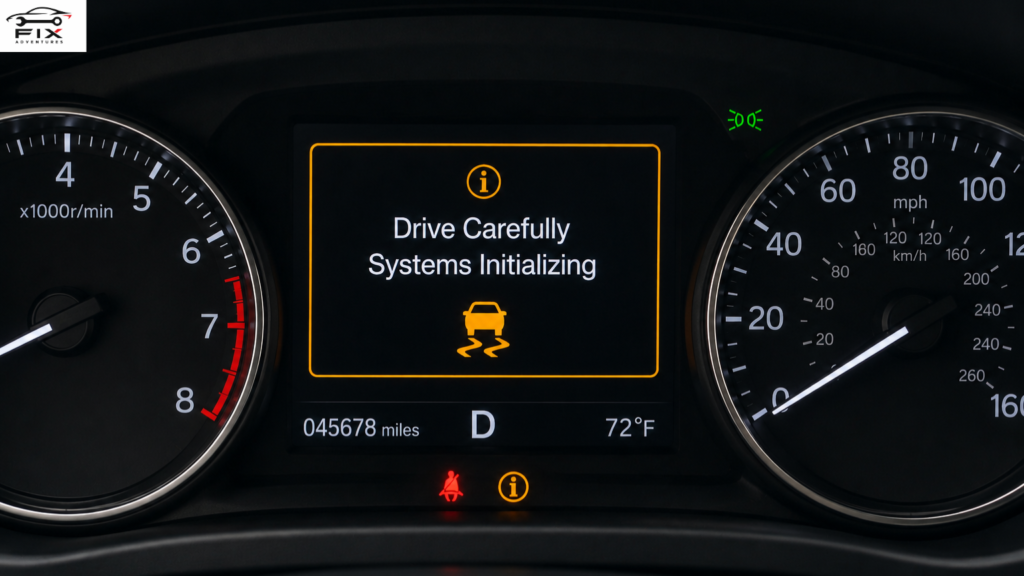
If you drive a modern vehicle, you may suddenly see a warning message on the dashboard saying “Drive Carefully Systems Initializing.” This alert can confuse many drivers because it appears without much explanation. In most cases, it is related to your vehicle’s advanced safety and driver-assistance systems.
The good news is that this message is usually temporary and not always a sign of a major mechanical problem. However, ignoring it for too long can lead to reduced safety features or bigger vehicle issues later.
In this guide, you’ll learn everything about the drive carefully systems initializing warning, including its causes, fixes, troubleshooting methods, and ways to prevent it from happening again.
What Does “Drive Carefully Systems Initializing” Mean?
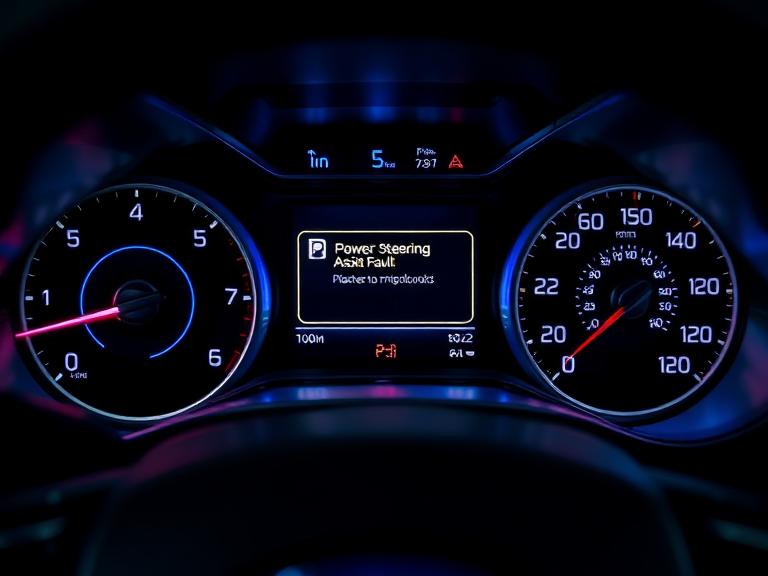
The message drive carefully systems initializing appears when your vehicle’s onboard computer is rebooting, recalibrating, or checking important electronic systems.
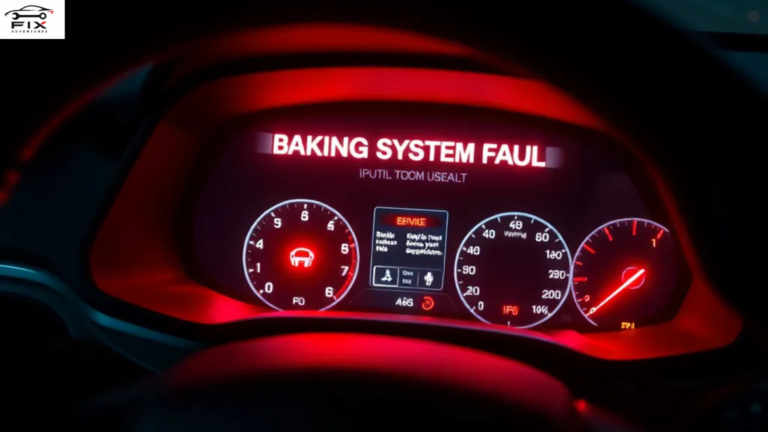
Modern vehicles use dozens of sensors, modules, cameras, and radar systems to improve safety and driving performance. When one of these systems restarts or temporarily loses communication, the dashboard may display this warning.
These systems may include:
- Lane departure warning
- Adaptive cruise control
- Collision avoidance systems
- Blind spot monitoring
- Stability control
- ABS braking system
- Forward-facing cameras
- Radar sensors
The message often disappears after a few minutes of driving once the systems finish calibrating.
Why Does the Drive Carefully Systems Initializing Message Appear?
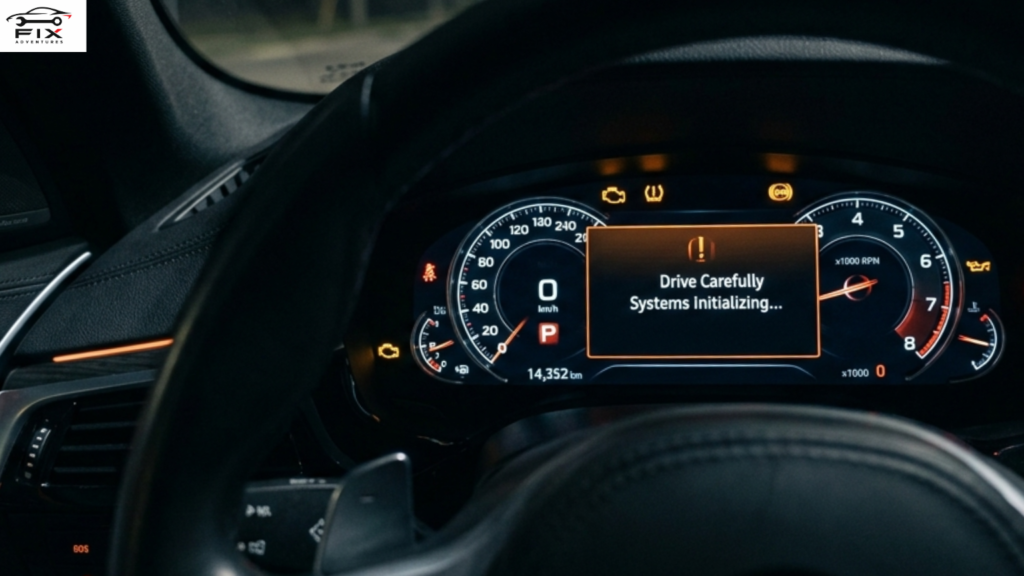
There are several reasons why this warning may show up on your dashboard.
1. Low Battery Voltage
One of the most common causes is a weak or recently disconnected battery.
Modern vehicles depend heavily on stable electrical power. If the battery voltage drops too low, electronic systems may reboot and display initialization warnings.
Signs of battery-related issues include:
- Slow engine cranking
- Flickering lights
- Dashboard resets
- Multiple warning lights
Replacing or charging the battery often fixes the problem.
2. Recent Battery Replacement
After replacing the battery, many vehicles need time to relearn settings and recalibrate sensors.
During this period, you may temporarily see:
- Drive carefully systems initializing
- Traction control warnings
- Steering assist alerts
- Camera calibration messages
Usually, driving the car for 10–30 minutes allows the systems to recalibrate automatically.
3. Dirty or Blocked Sensors
Modern safety systems rely on cameras and radar sensors mounted around the vehicle.
If these sensors become blocked by:
- Dirt
- Snow
- Rain
- Mud
- Ice
- Road salt
the vehicle may temporarily disable some features and display initialization messages.
Cleaning the sensors carefully can solve the issue quickly.
4. Extreme Weather Conditions
Cold weather or heavy rain can interfere with radar and camera operation.
Many drivers notice the drive carefully systems initializing warning during:
- Snowstorms
- Heavy fog
- Freezing temperatures
- Thunderstorms
This happens because visibility sensors struggle to function correctly in poor weather.
5. Software Glitches
Vehicles today operate much like computers on wheels. Sometimes software bugs or temporary communication errors trigger warning messages.
A simple restart may solve the issue:
- Turn off the engine
- Wait 5 minutes
- Restart the vehicle
If the message disappears, it was likely a temporary software glitch.
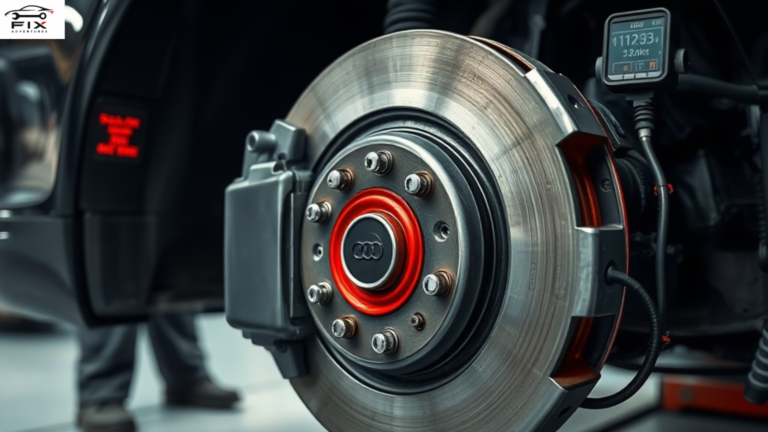
6. Faulty Wheel Speed Sensors
Wheel speed sensors are essential for:
- ABS
- Traction control
- Stability control
If one sensor malfunctions, the car may disable multiple systems and display initialization warnings.
Symptoms may include:
- ABS light on
- Traction control light
- Reduced braking assistance
A diagnostic scan can identify the faulty sensor.
Is It Safe to Drive With This Warning?
In many cases, yes — but you should still be cautious.
The message usually means some driver-assistance features may not work properly. Your basic steering, braking, and engine operation are often still functional.
However, you should drive carefully because systems like:
- Automatic emergency braking
- Lane keeping assist
- Adaptive cruise control
may be temporarily disabled.
If the warning remains for a long time or appears alongside serious alerts, have the vehicle inspected immediately.
How to Fix Drive Carefully Systems Initializing
Here are the most effective ways to fix the issue.
Check the Battery Condition
Start by inspecting the battery.
Look for:
- Corrosion on terminals
- Loose battery cables
- Weak voltage
- Old battery age
A weak battery is one of the leading causes of electronic system initialization problems.
Most car batteries last around 3–5 years.
Restart the Vehicle
Sometimes the simplest fix works best.
Follow these steps:
- Park safely
- Turn off the engine
- Wait several minutes
- Restart the vehicle
This resets the onboard computer and may clear temporary communication errors.
Drive the Vehicle Normally
Some vehicles need time to recalibrate after startup or battery replacement.
Drive normally for:
- 10–20 minutes
- On regular roads
- At moderate speeds
The warning often disappears automatically.
Clean All Sensors and Cameras
Inspect the vehicle’s:
- Front radar sensor
- Rear sensors
- Windshield cameras
- Parking sensors
Use a soft microfiber cloth to remove dirt or moisture.
Avoid using harsh chemicals that may damage sensitive electronics.
Scan for Trouble Codes
If the warning persists, use an OBD2 scanner to check diagnostic trouble codes.
These codes help identify:
- Sensor failures
- Communication problems
- Module issues
- Battery voltage errors
A professional mechanic can perform a deeper diagnostic if necessary.
Update Vehicle Software
Some manufacturers release software updates to fix electronic glitches.
Visit your dealership and ask whether your vehicle has:
- ECU updates
- Safety system updates
- Camera calibration updates
Software updates often solve recurring dashboard warnings.
Common Vehicles That Show This Message
The drive carefully systems initializing warning commonly appears on vehicles with advanced safety technology.
Brands frequently reporting this message include:
- Honda
- Toyota
- Nissan
- Hyundai
- Kia
- Subaru
- Ford
- Chevrolet
Luxury vehicles with more electronic systems may also display similar alerts more often.
How Long Does Systems Initializing Take?
Normally, initialization takes only a few minutes.
Typical timeframes include:
| Situation | Expected Time |
|---|---|
| Normal startup | 1–5 minutes |
| After battery replacement | 10–30 minutes |
| After software reset | 5–20 minutes |
| Sensor recalibration | Varies |
If the message stays active for hours or days, professional diagnosis is recommended.
Can a Bad Alternator Cause This Warning?
Yes, absolutely.
The alternator powers the electrical system while the engine runs. If it fails, voltage drops can confuse electronic modules.
Signs of a failing alternator include:
- Dim headlights
- Battery warning light
- Electrical malfunctions
- Dead battery
- Flickering dashboard
Testing the charging system can confirm whether the alternator is the problem.
Can Cold Weather Trigger the Message?
Cold temperatures are a major trigger for electronic warnings.
In winter, batteries lose efficiency, and sensors may freeze or fog up.
To reduce cold-weather issues:
- Keep the battery healthy
- Park in a garage if possible
- Remove snow from sensors
- Warm up the vehicle before driving
Does Disconnecting the Battery Reset the Warning?
Sometimes it does.
Disconnecting the battery for 10–15 minutes may reset temporary electronic faults.
However, this method also resets:
- Radio settings
- Clock
- Seat memory
- ECU learning data
Only try this if you are comfortable working with automotive electrical systems.
When Should You Visit a Mechanic?
You should seek professional help if:
- The message never disappears
- Multiple warning lights appear
- The vehicle drives poorly
- Safety systems stop functioning
- The battery repeatedly dies
- ABS or traction control fails
A certified technician can diagnose the root cause using advanced scan tools.
Preventing Drive Carefully Systems Initializing Warnings
You can reduce the chances of seeing this warning by following good vehicle maintenance habits.
Maintain the Battery
Regularly inspect:
- Battery terminals
- Voltage levels
- Charging performance
Replace old batteries before they fail.
Keep Sensors Clean
Wash your vehicle regularly and remove dirt from:
- Cameras
- Radar sensors
- Windshields
This helps safety systems function properly.
Install Software Updates
Manufacturers frequently improve electronic system stability through updates.
Regular dealer servicing helps keep software current.
Avoid Cheap Electrical Repairs
Poor aftermarket wiring or incorrect installations can interfere with vehicle electronics.
Always use qualified technicians for:
- Audio systems
- Remote starters
- Alarm systems
- Lighting modifications
Frequently Asked Questions
Can I Ignore the Drive Carefully Systems Initializing Warning?
You should not ignore it for long periods. While the car may still drive normally, some safety systems may be disabled.
Will the Warning Go Away on Its Own?
Often yes. Many initialization messages disappear after driving for several minutes.
Does This Mean My Car Is Unsafe?
Not necessarily. It usually means certain electronic safety features are temporarily unavailable.
Can a Weak Battery Cause Multiple Dashboard Warnings?
Yes. Low voltage can trigger many false or temporary warning messages in modern vehicles.
How Much Does It Cost to Fix?
Costs vary depending on the issue:
| Problem | Estimated Cost |
|---|---|
| Battery replacement | $100–$300 |
| Sensor cleaning | Low or free |
| Wheel speed sensor replacement | $150–$400 |
| Software update | Sometimes free |
| Advanced diagnostics | $100–$200 |
Final Thoughts
Seeing the drive carefully systems initializing warning can feel alarming, but in most situations, it’s related to temporary electronic calibration or communication issues.
The most common causes include:
- Weak batteries
- Sensor obstructions
- Weather conditions
- Software glitches
- Recent battery replacement
Start with simple troubleshooting steps like restarting the vehicle, cleaning sensors, and checking the battery. If the warning remains active or additional dashboard lights appear, professional diagnostics are the safest option.

If you’ve ever found yourself staring at your car, wondering what went wrong or how to fix it without spending a fortune, you’re in the right place. FixAdventures was built for people who want practical, honest, and easy-to-understand car repair advice — without the fluff or confusing jargon.